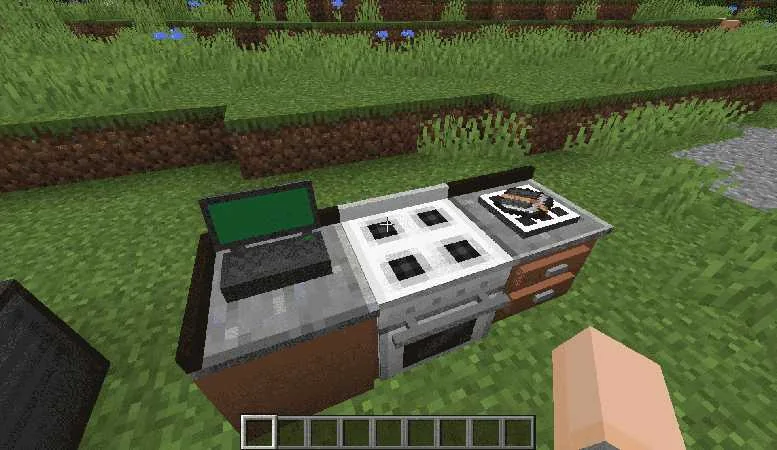
Cooking for Blockheads Mod Download Guide
How to approach the download, loader matching and dependency checks.
Read guide →Build a modular Minecraft kitchen, connect ingredients and browse food recipes you can make from what you have available.
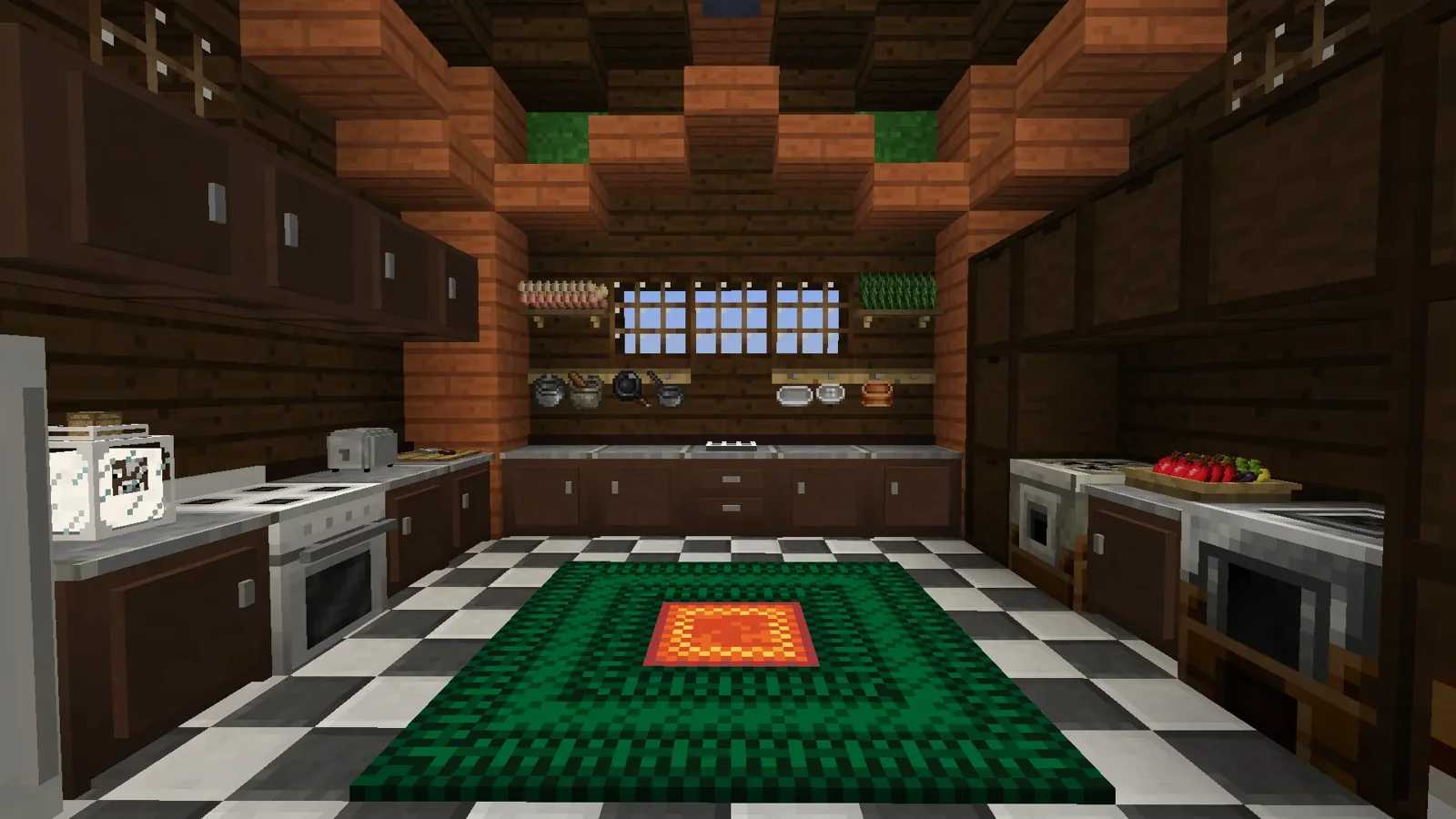
Cooking for Blockheads Mod is a Minecraft: Java Edition mod that adds a practical, modular kitchen system. Instead of checking food recipes one by one, the Cooking Table helps you browse recipes based on ingredients available in your connected kitchen.
The kitchen can be expanded with useful blocks such as counters, cupboards, an oven and a sink, depending on the mod version you use. Together, these blocks make food storage, recipe browsing and cooking easier to manage in one dedicated kitchen area.
This website provides download access, installation guidance, compatibility information and straightforward guides for players who want to understand and use Cooking for Blockheads Mod.
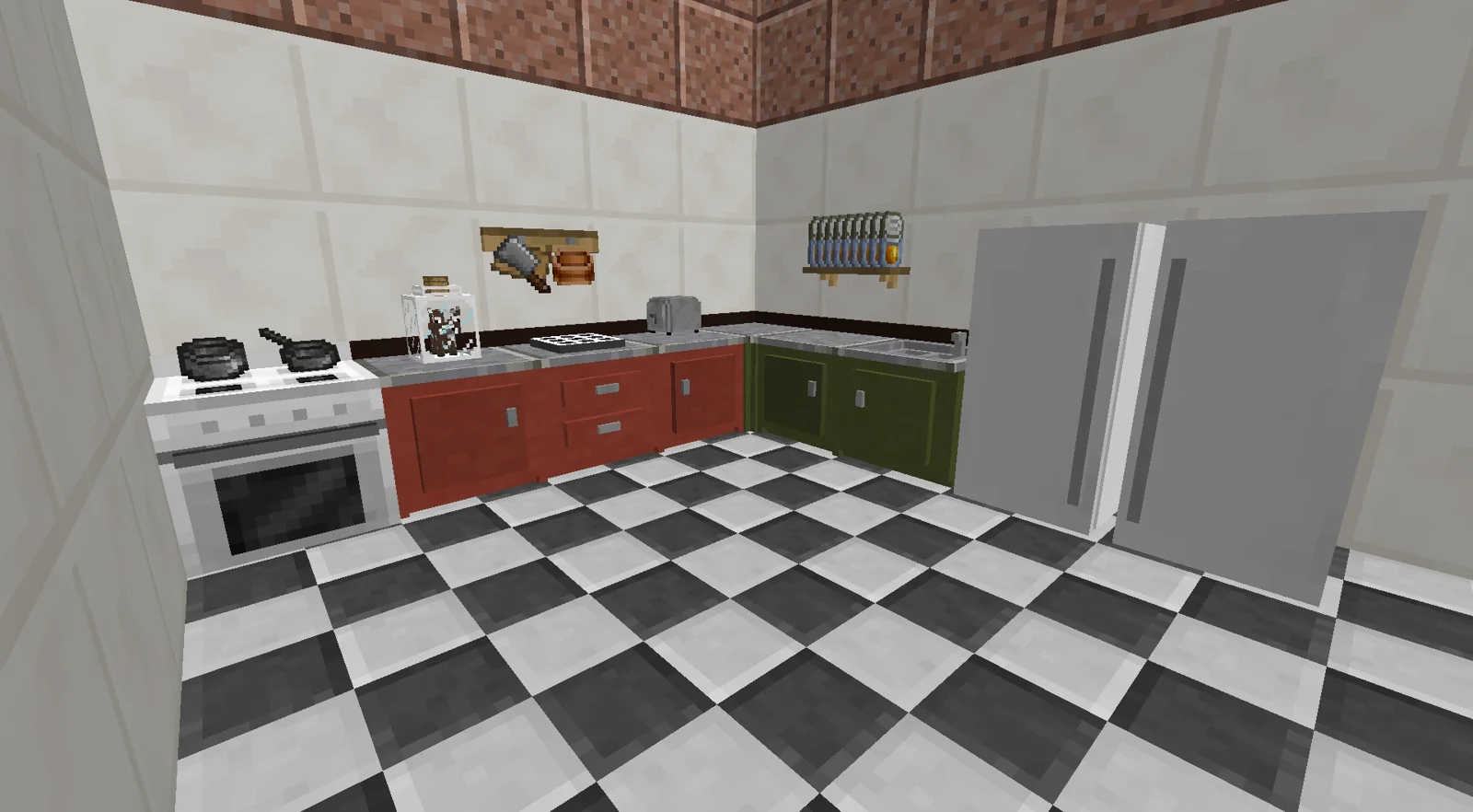
Browse food recipes based on ingredients available in your connected kitchen storage.
Build a functional multiblock kitchen with components that unlock additional capabilities.
Use cupboards and connected kitchen blocks to keep ingredients organized near your cooking area.
Use recipe browsing and sorting tools to narrow down foods you can prepare.
The project is distributed for modern Minecraft Java mod loaders including Fabric, Forge and NeoForge, depending on game version.
Designed to work with food-focused gameplay and documented integrations with other food mods.
Use the main download button on this page to open the supplied file download.
Match the file with the Minecraft version and loader you intend to use, and install required dependencies such as Balm where applicable.
Follow your loader’s normal mod installation process, then start the matching Minecraft profile.
In-game, assemble compatible kitchen blocks and use the Cooking Table to browse available recipes.
Project listings identify Minecraft: Java Edition builds. Java mod files are not interchangeable with Bedrock/MCPE add-ons.
Fabric, Forge and NeoForge builds exist across supported releases. Choose only a file matching your game version and loader.
The project documentation states that Balm is required. Some loader/version combinations can have additional requirements, so check the exact file page.
See what foods are practical with ingredients already available in your kitchen.
Keep cooking ingredients near the blocks you use to browse and prepare recipes.
Use a kitchen-centered workflow in packs that expand farming, ingredients and recipes.
Arrange compatible kitchen blocks together to keep recipe browsing and ingredient access organized.
Ingredient-aware browsing helps narrow the recipe list to useful options.
Build the kitchen around the components and storage your world needs.
Recipe views and sorting make large food collections easier to navigate.
Use the download section below for the supplied file source.
Confirm Minecraft version, loader and required dependencies before installing.
Place compatible mod files in the normal mods folder for your loader, then launch that profile.
Get Cooking for Blockheads Mod from the direct download button below, then add it to a compatible Minecraft Java mod setup. Before launching your world, make sure the mod file, Minecraft version, mod loader and required dependencies are intended to work together.
Download Cooking for Blockheads Mod
Avoid renamed files from unknown mirrors. This page’s main button uses the supplied CurseForge download URL.
Back up important worlds before changing a mod list or updating core dependencies.
Version and loader mismatches are common causes of startup problems.
Check that Minecraft, the mod loader, Cooking for Blockheads and dependencies are compatible versions.
Confirm Balm is installed where required and inspect the loader message for any additional dependency.
Test with a minimal compatible mod set, then reintroduce other food and recipe mods to isolate conflicts.
How to approach the download, loader matching and dependency checks.
Read guide →Understand recipe browsing, ingredient availability and the Cooking Table.
Read guide →How to read versions, loaders and compatibility information on Modrinth.
Read guide →It is a Minecraft Java mod centered on a functional, modular kitchen and recipe browsing.
It lets players browse foods they can make from ingredients available to the connected kitchen.
The project documentation states that Balm is required alongside the mod. Always verify the requirement for the exact file and loader you use.
Current project listings include Fabric, Forge and NeoForge across supported releases. Availability varies by Minecraft version.
No. This is an independent informational and download resource and is not affiliated with the mod or third-party platforms.
The main download button uses the supplied CurseForge file download URL directly.
Project listings describe client and server environments. Server owners should match Minecraft, loader, mod and dependency versions for their setup.
The mod includes kitchen components such as cupboards/counters that support the modular kitchen workflow.
Yes. Recipe discovery based on ingredients available in the kitchen is a core documented feature.
The project listings provide a wiki link. Our guides also explain common setup and gameplay concepts.
Compatibility can depend on Minecraft version, loader, add-ons and other mods. Check the specific versions in your modpack rather than assuming universal compatibility.
The project description documents support for Pam’s HarvestCraft as well as other food mods; verify the exact versions in your pack.
It is one of the mod’s kitchen-themed features, documented as a way to provide milk to the kitchen.
The documented #NoFilter book shows food item recipes without limiting the list to ingredients currently available.
The project description documents sorting options, including ways to surface nutritious foods.
Common causes include a mismatched Minecraft version, wrong loader build, missing dependency, or a conflict. Review the loader log and exact file requirements.
Back up important worlds before changing a mod list. Whether a particular world is suitable depends on the versions and other mods in use.
The project pages referenced here are for Minecraft: Java Edition. Do not assume Java mod files work with Bedrock/MCPE.
Documented examples include the Cooking Table, oven, cupboards/counters, sink and other kitchen components, with availability varying by version.
Check the project’s file listings for a build matching your Minecraft version and loader, read its requirements, back up important data, and update dependencies together when needed.