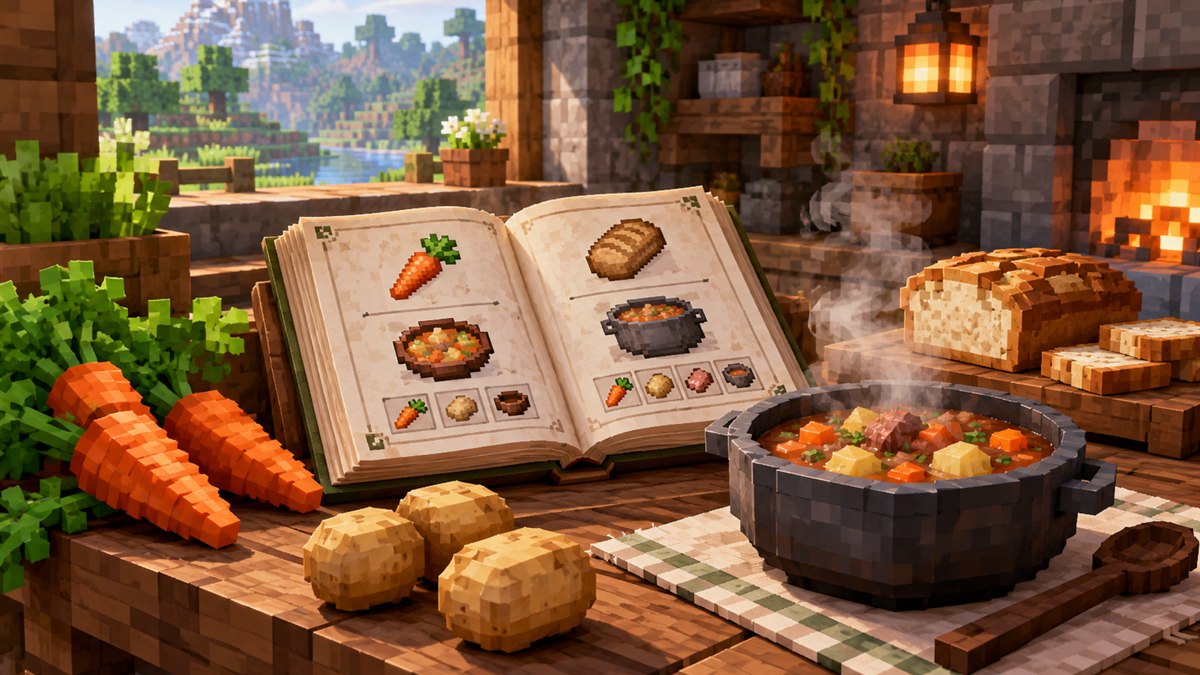
Cooking for Blockheads on Modrinth: How to Find the Right File
How to use the Modrinth project page and filters to grab the correct Cooking for Blockheads build for your setup.
Read guide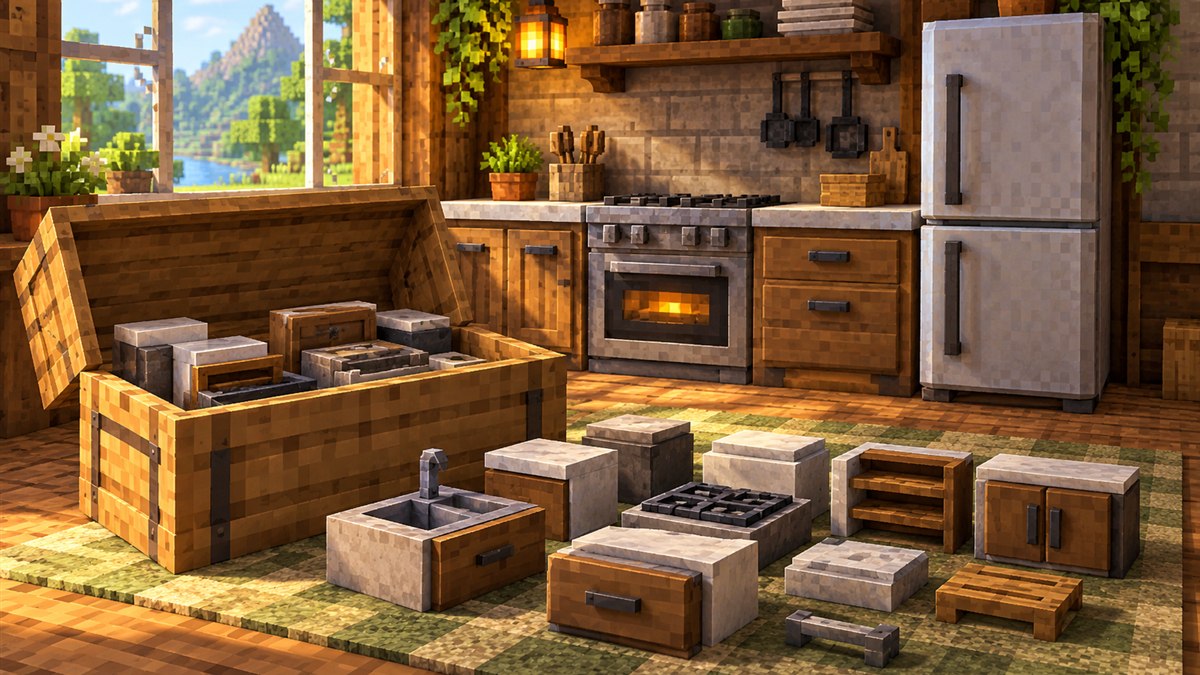
Getting a Cooking for Blockheads mod download working is mostly about matching three things: your Minecraft version, your mod loader and the required library mod. Get those right and the multiblock kitchen appears in your creative menu on the first launch. Get one wrong and the game usually refuses to start. This guide walks through the whole process in plain steps.
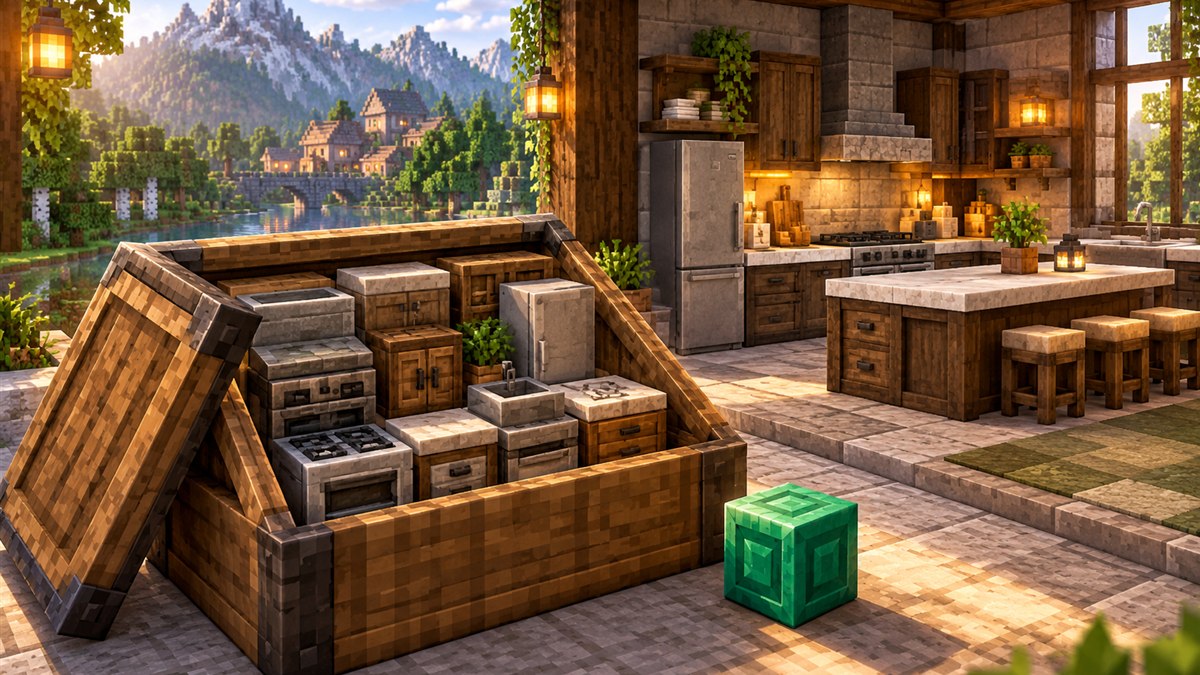
Cooking for Blockheads is a Minecraft: Java Edition mod by BlayTheNinth. It adds a set of kitchen blocks that link together around a Cooking Table, which then lists every food recipe you can make from the ingredients stored in your kitchen. The mod ships as a single .jar file that goes into your game's mods folder.
The main Download button on our homepage fetches the file directly from CurseForge's download service. At the time of writing that link points to the NeoForge build for Minecraft 26.3 (file name cookingforblockheads-neoforge-26.3-26.3.0.2.jar). If you play on a different version or loader, use the file list on the CurseForge project page or the Modrinth project page to grab the matching build.
Mods are compiled for specific game versions. A file built for 26.3 will not load on an older release and vice versa. Open your launcher profile and note the exact version you play.
Cooking for Blockheads is published for Forge, NeoForge and Fabric, but each loader needs its own file. The loader name is normally part of the file name, so read it carefully before installing. Fabric players can follow our dedicated Cooking for Blockheads Fabric guide.
The mod requires Balm, a shared library made by the same developer. Download the Balm build that matches both your loader and your game version. Without it the game will stop at start-up with a missing dependency message.
mods folder inside your game directory.mods. Do not unzip them; the game reads the .jar directly.Tip: If you use a launcher that manages modpacks (such as the CurseForge app or Modrinth App), adding the mod through the launcher normally pulls in the required dependency for you.
The project lists itself as a client and server mod. For multiplayer, place the same Cooking for Blockheads and Balm files on the server and on every player's client. Mismatched versions between server and client are one of the most common reasons players get disconnected when joining.
The safest habit is to download mods only from the developer's official listings or from a launcher that pulls from them. Our main button uses the CurseForge download endpoint unchanged. After downloading:
.jar and contains the loader and game version you expect.Read our download safety notes for more general advice.
Place a Cooking Table, then put counters, a fridge or other kitchen blocks so they touch it. Store ingredients inside the connected storage and open the table: it lists every recipe you can currently make. Our recipes guide explains the recipe books and sorting options, and the kitchen block wiki covers what each block does.
Most failed installs come down to a missing Balm file, a loader mismatch or a version mismatch. The troubleshooting guide lists the usual symptoms and fixes. When asking for help elsewhere, always share your game version, loader version and the exact file names in your mods folder.
How to use the Modrinth project page and filters to grab the correct Cooking for Blockheads build for your setup.
Read guideUnderstand the Cooking Table, recipe books, sorting and one-click cooking so you always know what you can make.
Read guide