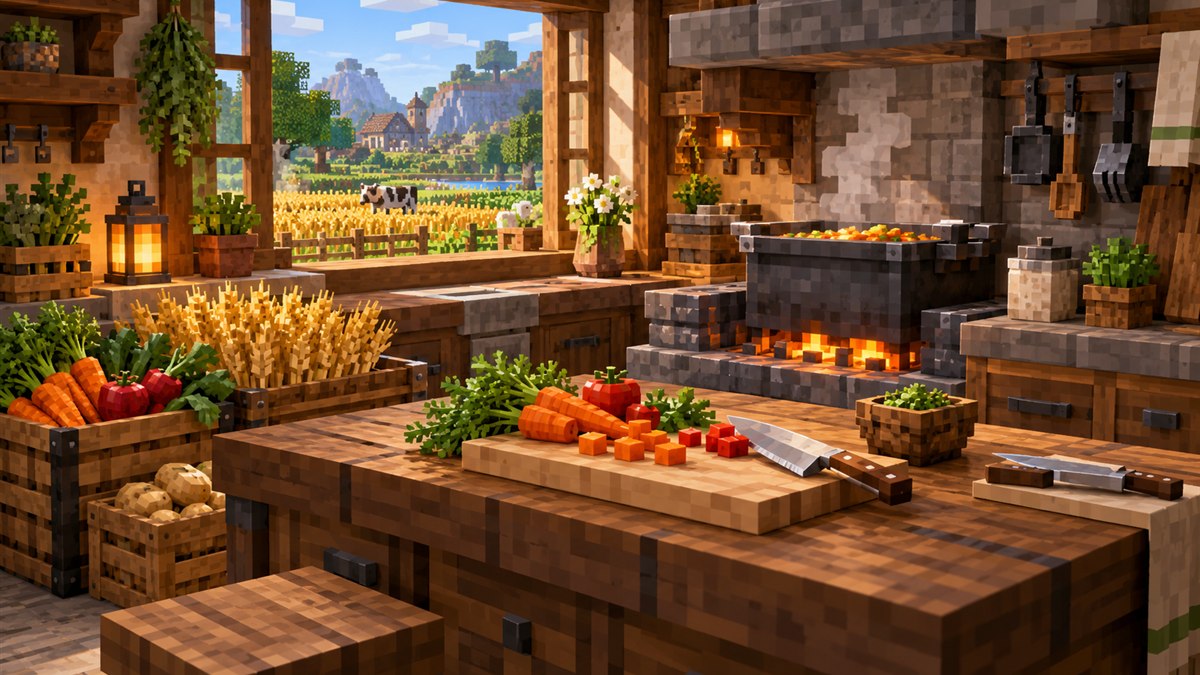
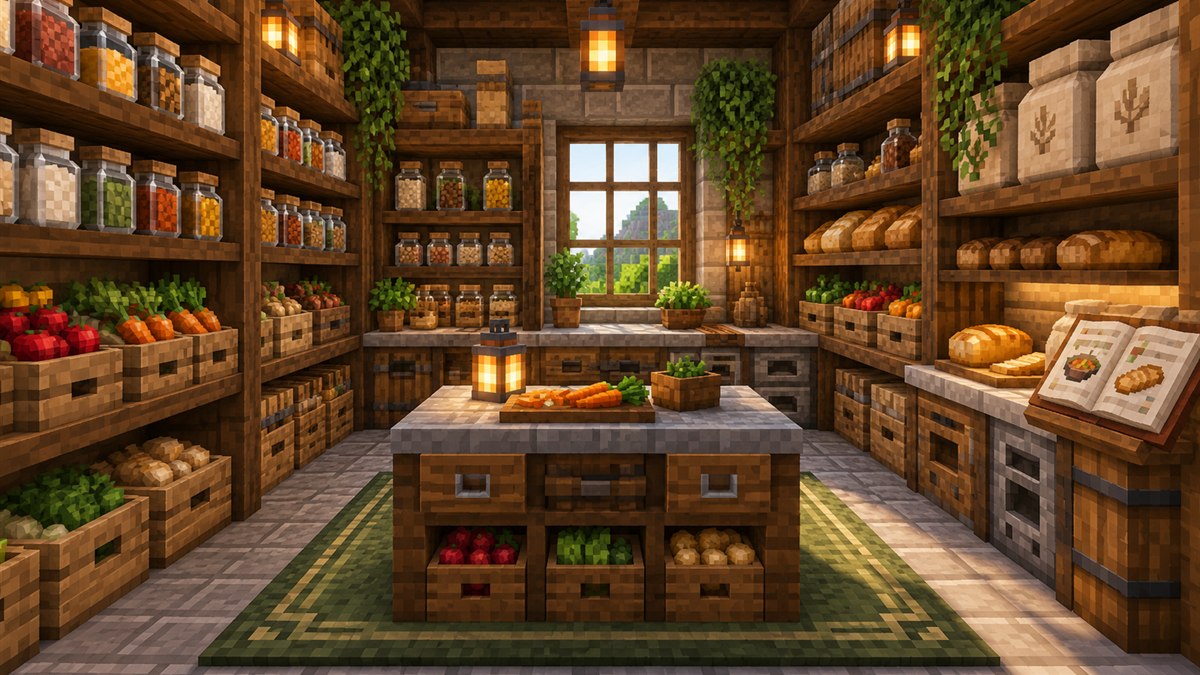
Pantry for Blockheads: The Companion Food Mod Explained
Crops, meals, the Artisan Press and utensils: what the developer's companion food mod brings to your kitchen.
Read guide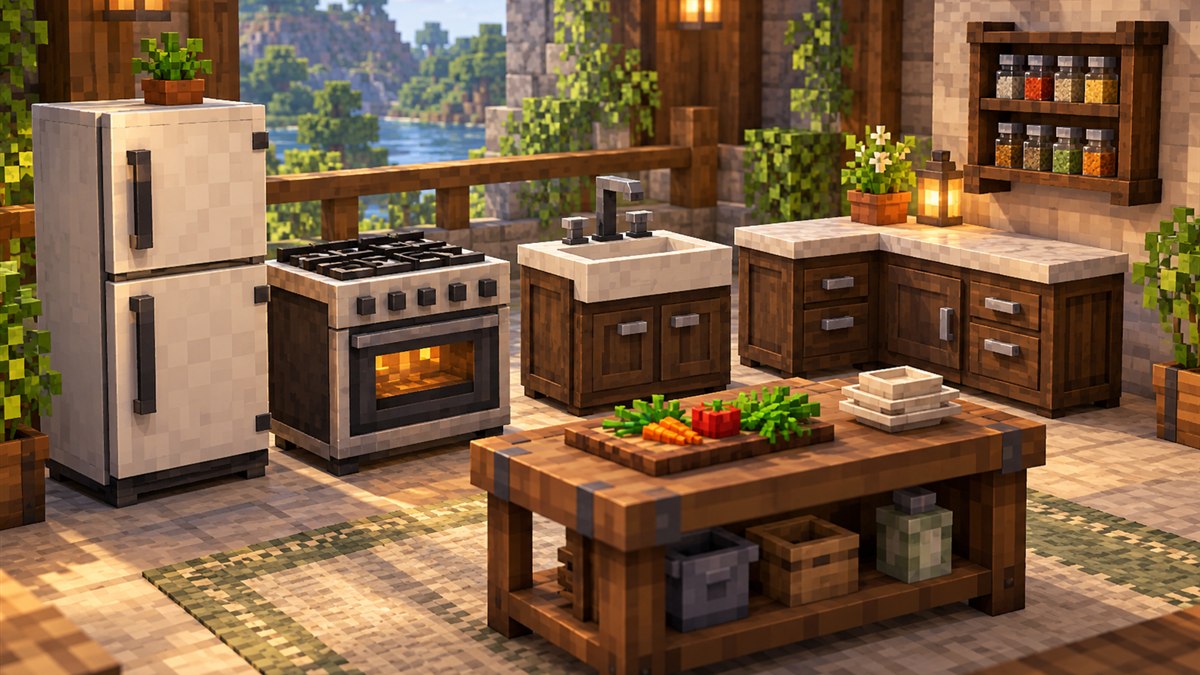
This page works as a quick Cooking for Blockheads wiki: a reference to the main blocks, what each one contributes to your kitchen network and how they fit together. Block names and behaviour come from the official project description and long-standing community documentation; exact crafting recipes can differ by version, so confirm them with an in-game recipe viewer.
Cooking for Blockheads kitchens are modular. The Cooking Table is the centre, and other kitchen blocks join its network when they touch it, touch another connected kitchen block, or are linked through Kitchen Connectors or Kitchen Floor tiles. Each block you add unlocks something new: more storage, a water supply, smelting and so on.
The hub of the kitchen. It shows the food recipes you can make with the ingredients available in your inventory and connected storage, and lets you craft them directly.
Storage blocks whose contents are shared with the Cooking Table. Counters sit on the floor; cabinets are a wall-style storage option. The project page refers to cupboards as extra storage upgrades for your kitchen.
A storage block for ingredients. Community guides note that two fridges stacked on top of each other behave as one larger fridge.
Smelts raw food using fuel. The Cooking Table can send cooking jobs to it, which the official page describes as more efficient cooking.
Provides water to recipes. It is infinite by default; community documentation mentions a config option that can change this.
| Block | Role in the kitchen |
|---|---|
| Milk Jar | Stores milk and supplies it to recipes. |
| Cow in a Jar | A jarred cow that produces milk over time. Community guides say it is made by dropping an anvil on a cow. |
| Toaster | Toasts bread slices. |
| Spice Rack | Wall-mounted storage for small ingredients that the kitchen can use. |
| Tool Rack | Holds tools so they can be used as recipe ingredients without sitting in your inventory. |
| Fruit Basket | Compact storage that shows its contents. |
| Cutting Board | Provides its tools to recipes through the kitchen network. |
If a block doesn't seem to share its items, it is almost always a connection problem. Our troubleshooting guide explains how to check.
Community documentation lists a few upgrade items that are installed by right-clicking a kitchen block:
The Recipe Book, Crafting Book and #NoFilter Edition let you browse recipes with or without a full kitchen. The recipes guide explains each one.
Community wikis such as the FTB Wiki have long-running pages on the mod, and the developer's project pages carry the most current file and changelog information. Because the mod has been updated across many Minecraft versions, always check that a wiki page matches the version you play.
New to the mod? Start with the how it works overview, then download the mod.
Crops, meals, the Artisan Press and utensils: what the developer's companion food mod brings to your kitchen.
Read guideWhat works out of the box, what doesn't, and how compat add-ons connect Farmer's Delight workstations to your kitchen.
Read guide