Cooking for Blockheads Wiki: Every Kitchen Block Explained
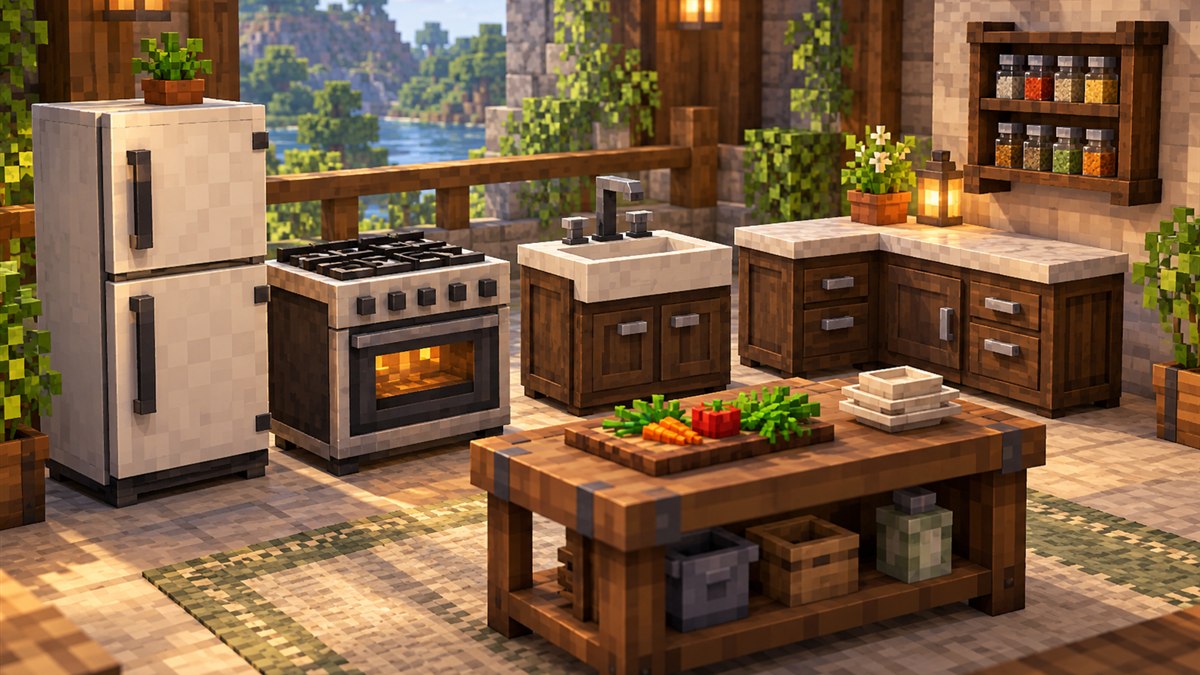
A wiki-style reference to every main kitchen block, upgrade and recipe book in the mod.
Read guide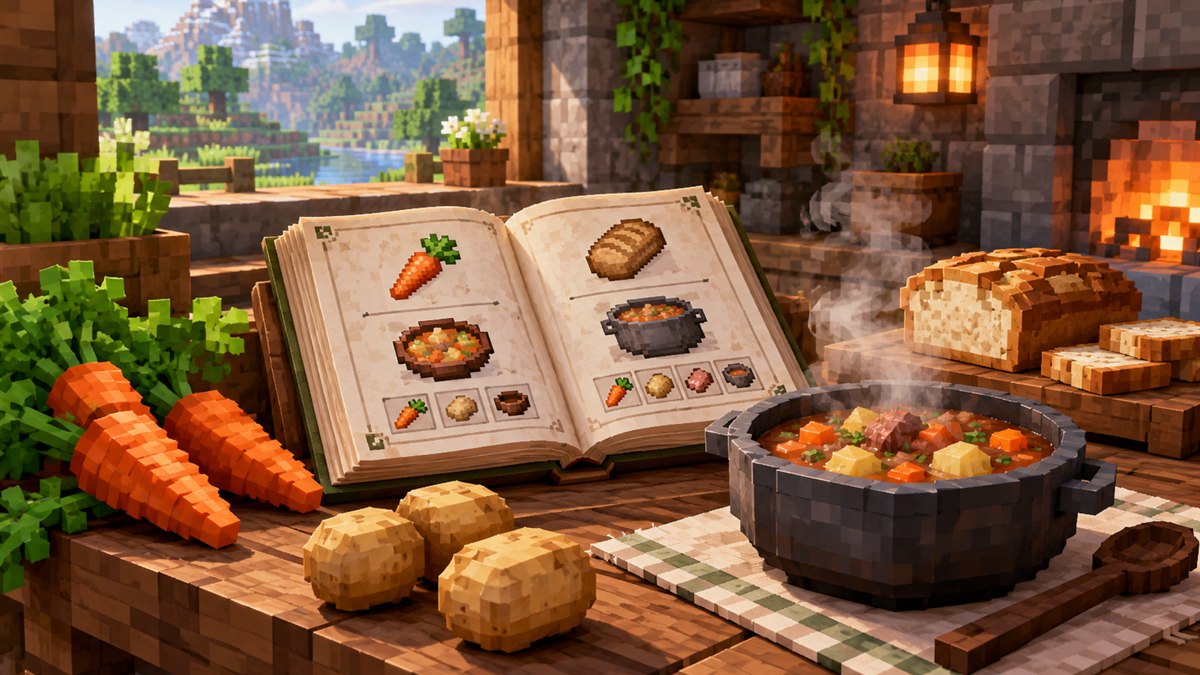
The heart of the mod is simple: instead of memorising crafting grids, you open the Cooking Table and it tells you what you can cook right now. Understanding how Cooking for Blockheads recipes are found, filtered and crafted helps you build a kitchen that actually saves time.
The Cooking Table scans the ingredients available to it and lists the food recipes you can make. Ingredients can come from your own inventory and from kitchen storage blocks connected to the table, such as counters, cabinets and fridges. Pick a result, and the table pulls the ingredients and crafts it for you — the project page describes this as cooking with a single click.
The table focuses on food. Vanilla foods appear, and so do food recipes added by other mods; the project page specifically mentions support for Pam's HarvestCraft and other food mods. Recipes that rely on a special in-world workstation from another mod may need extra integration to show up, which we cover in the Farmer's Delight guide.
The mod includes books that let you view recipes without building a full kitchen first. Community guides describe three variants:
| Book | What it is used for |
|---|---|
| Recipe Book | Shows food you can make from the items you are carrying. |
| Crafting Book | An upgraded book that can also craft the recipes it shows. |
| #NoFilter Edition | Lists every food recipe regardless of whether you own the ingredients, which makes it a planning tool. |
The #NoFilter Edition is mentioned on the official project page, and it is a great way to explore which meals exist in a large modpack. Exact crafting costs for each book can change between versions, so check your in-game recipe viewer for the current recipe.
When a modpack adds dozens of foods, the list can get long. The Cooking Table supports sorting so you can bring the most nutritious meals you can currently make to the top. This is handy in packs that reward a varied diet or where hunger drains quickly.
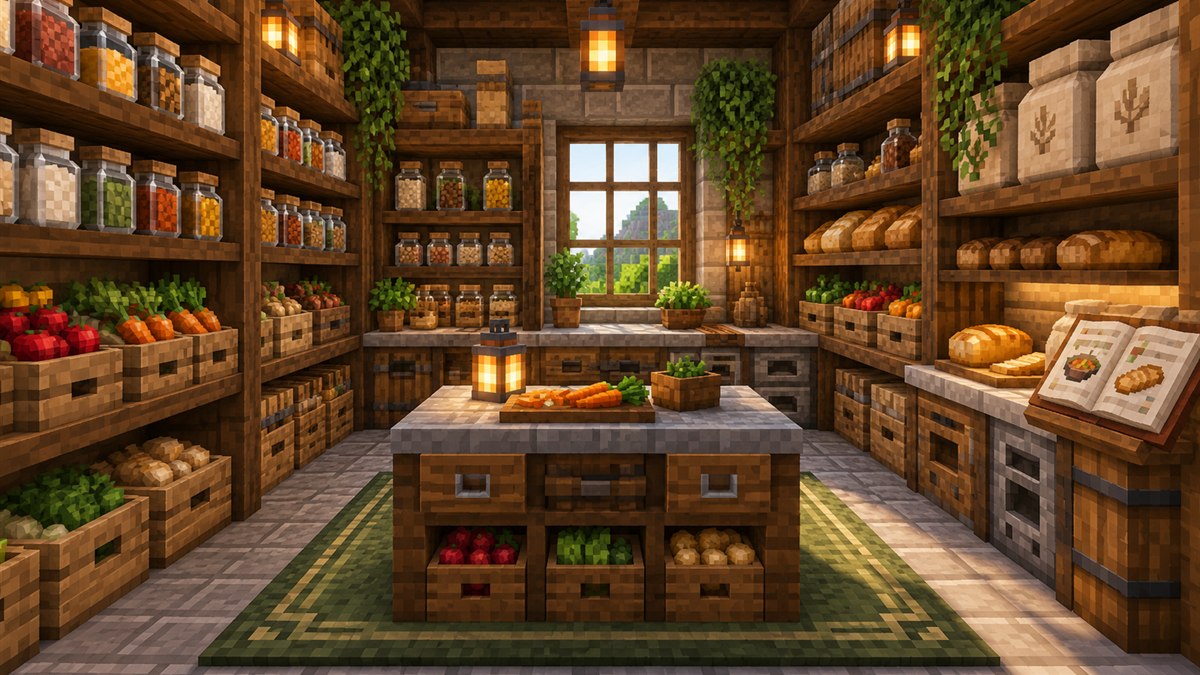
Some kitchen blocks don't just store items — they supply ingredients. According to the project page and community documentation:
The more providers you connect, the more recipes the table can offer. See the kitchen block wiki for a block-by-block overview.
If you want more ingredients and dishes, the developer's own Pantry for Blockheads adds new crops and meals designed to sit alongside this mod. For other options, see our compatible mods guide.
Ready to try it? Grab the file from the download section and follow the installation guide.
A wiki-style reference to every main kitchen block, upgrade and recipe book in the mod.
Read guideCrops, meals, the Artisan Press and utensils: what the developer's companion food mod brings to your kitchen.
Read guide